Steps to be followed:
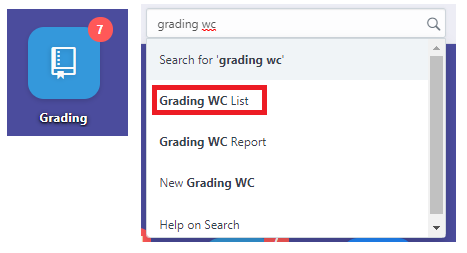
- Search Grading WC on the search bar or click the Applicant WC icon.

2. Click the New button on the upper right corner of the page.


3. Fill up the mandatory fields. Afterwards, wait for a few seconds to load the student’s name on the Enrollee table.


4. Input the student’s grade and click Save once you are done.


5. Click the Submit button.

