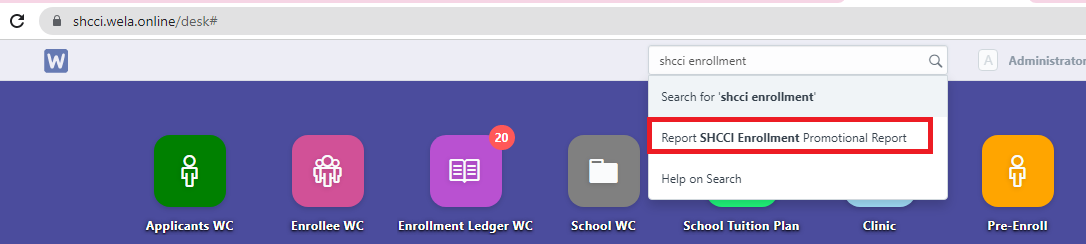
Step 1. In search bar, search for "SHCCI Enrollment and Promotiona Report".
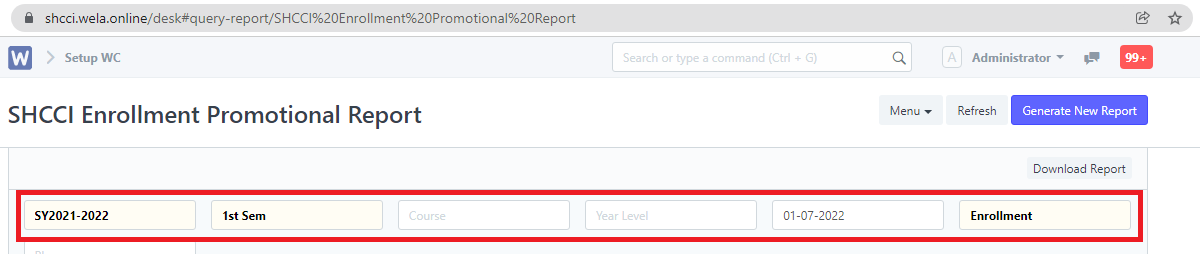
Step 2. Set the desired filters. After setting the filters, the report will now generate.
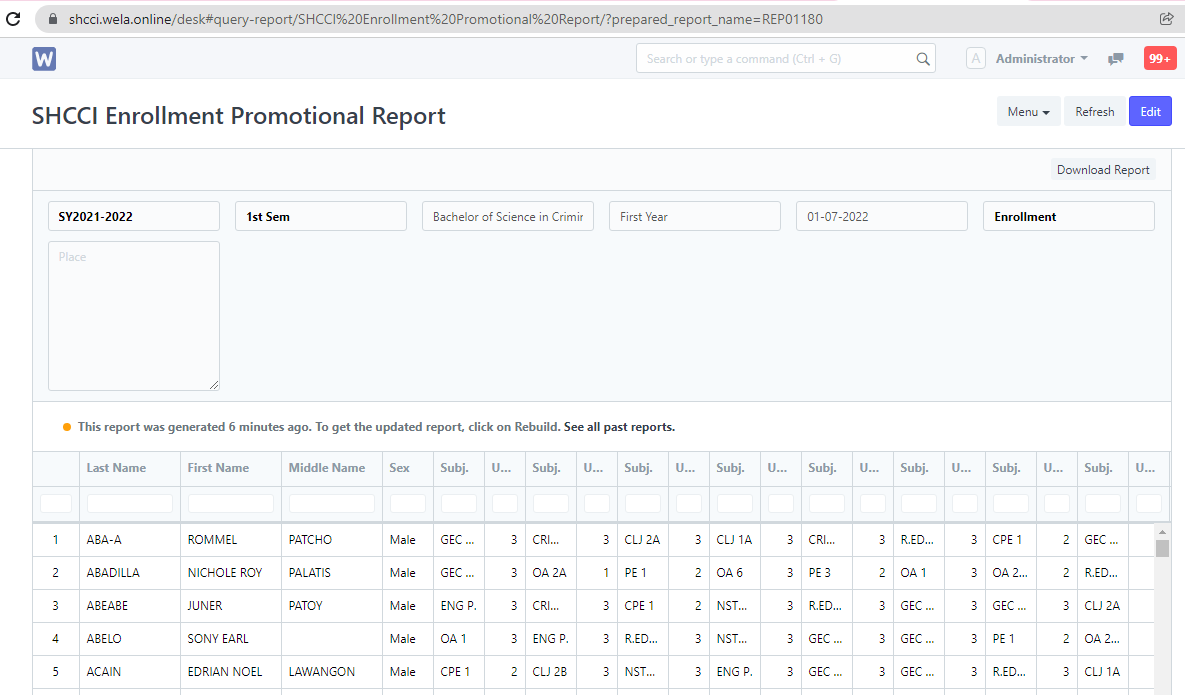
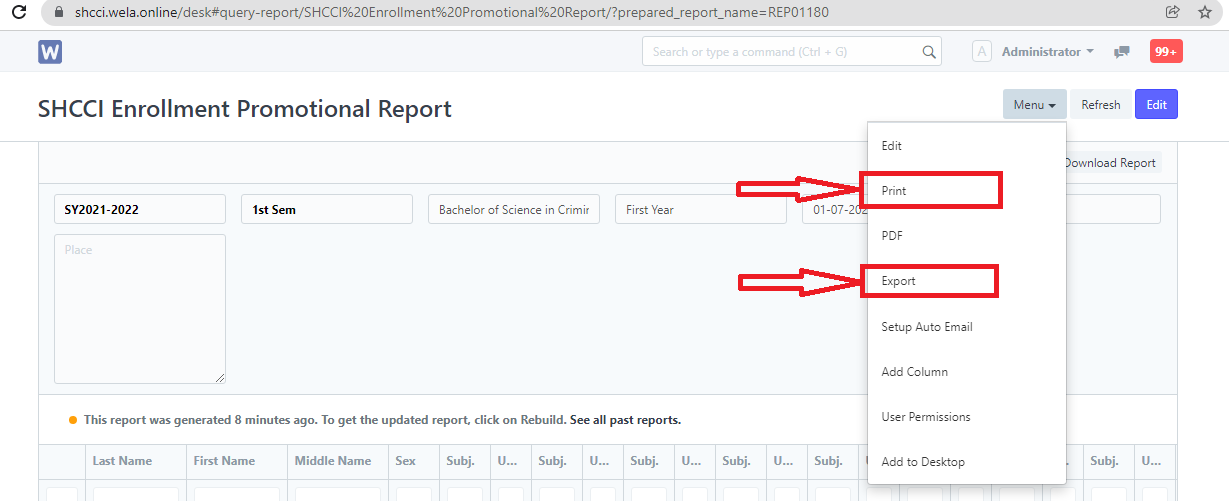
Step 3. To extract the report generated, click "Menu" and select "Print" or "Export" to excel file.