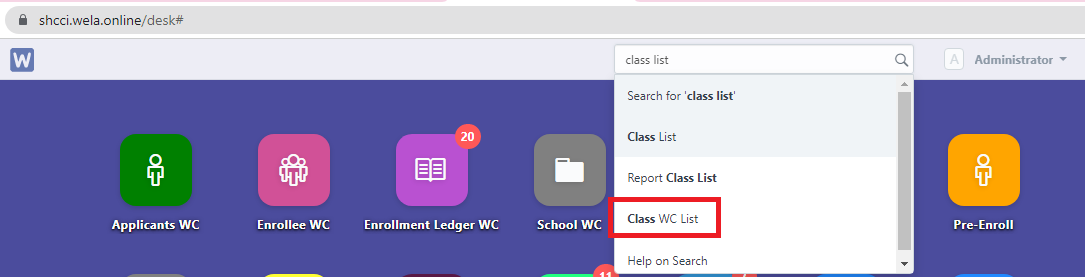
Step 1. In the search bar, search for "Class WC " then select "Class WC List".
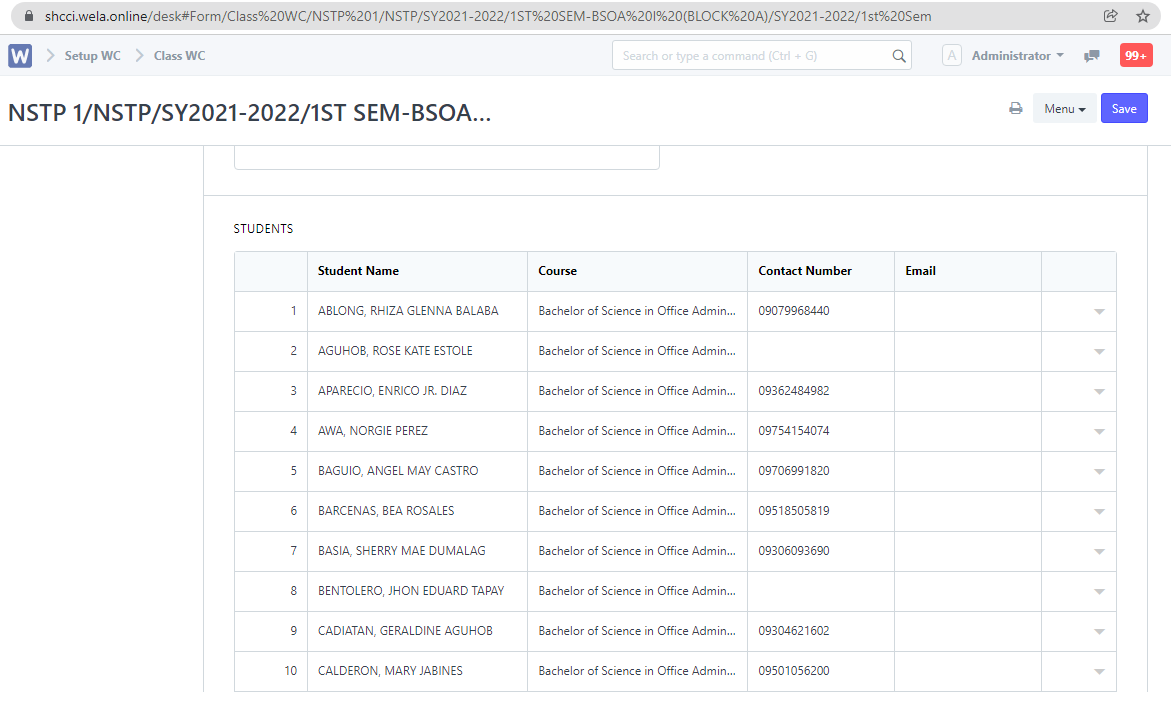
Step 2. Set the necessary filters. After setting the filters, the report will now generate.

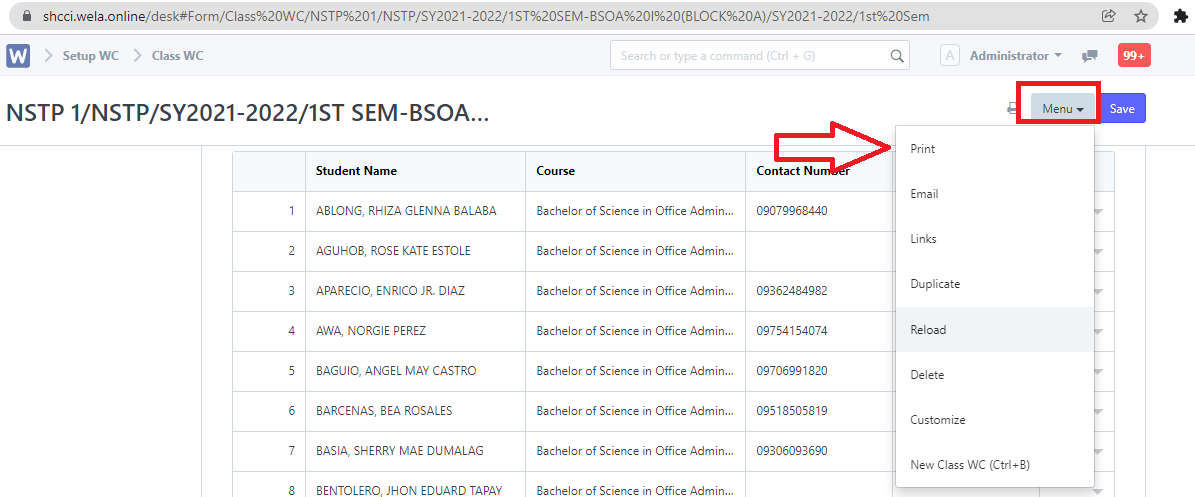
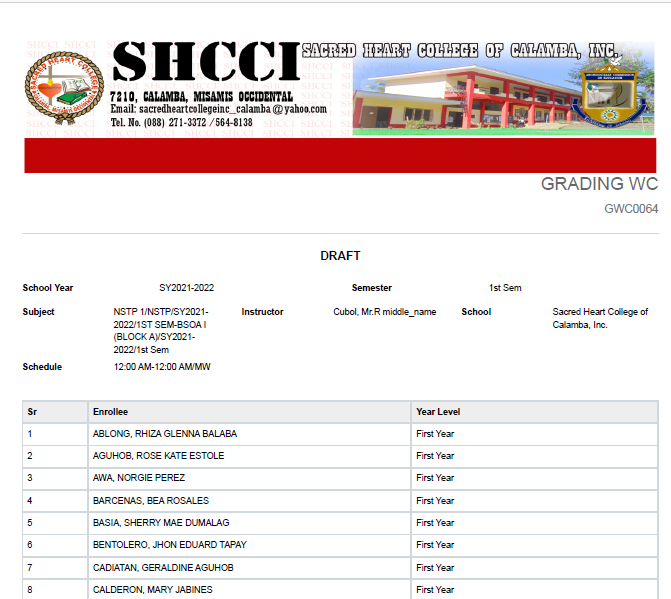
Step 3. To extract the report generated, click "Menu" and select "Print".
Step 1. In the search bar, search for "Class WC " then select "Class WC List".
Step 2. Set the necessary filters. After setting the filters, the report will now generate.
Step 3. To extract the report generated, click "Menu" and select "Print".
Have you any question which is not answered in this knowledge base? Contact us. We are here to help you.